Neon Abyss 2 Co-op Guide: 4-Player Online Multiplayer
How Neon Abyss 2 co-op works: 4-player online multiplayer, how to team up, no local split-screen at 1.0, crossplay limits between Steam, Xbox and Game Pass.
Neon Abyss 2 supports online co-op for up to four players, and it's the feature the original game never had. This guide explains how to team up, what the platform restrictions are — there is no local split-screen at 1.0, and crossplay only works between PC Game Pass and Xbox — and what to expect from co-op difficulty after the 1.0 multiplayer fixes.
The Basics: 1–4 Player Online Co-op
Neon Abyss 2 is built around 1–4 player online co-op. You and your friends fight through the Abyss together, sharing runs through the main dungeon-crawling mode or the faster Storm Raid mode added in 1.0. The official launch messaging leaned on this hard — "explosive 1-4 player co-op" was a headline feature of the console announcement trailer, and the 1.0 launch announcement framed the game as four-player co-op chaos coming to PC and consoles simultaneously.
The developers specifically recommend Storm Raid for co-op teams: it's a simpler, faster mode where you pick routes and challenge stages sequentially, without the freeform biome exploration of the main mode. If your group's sessions keep stalling on "which room next," Storm Raid removes that friction entirely.
How to Team Up With Friends
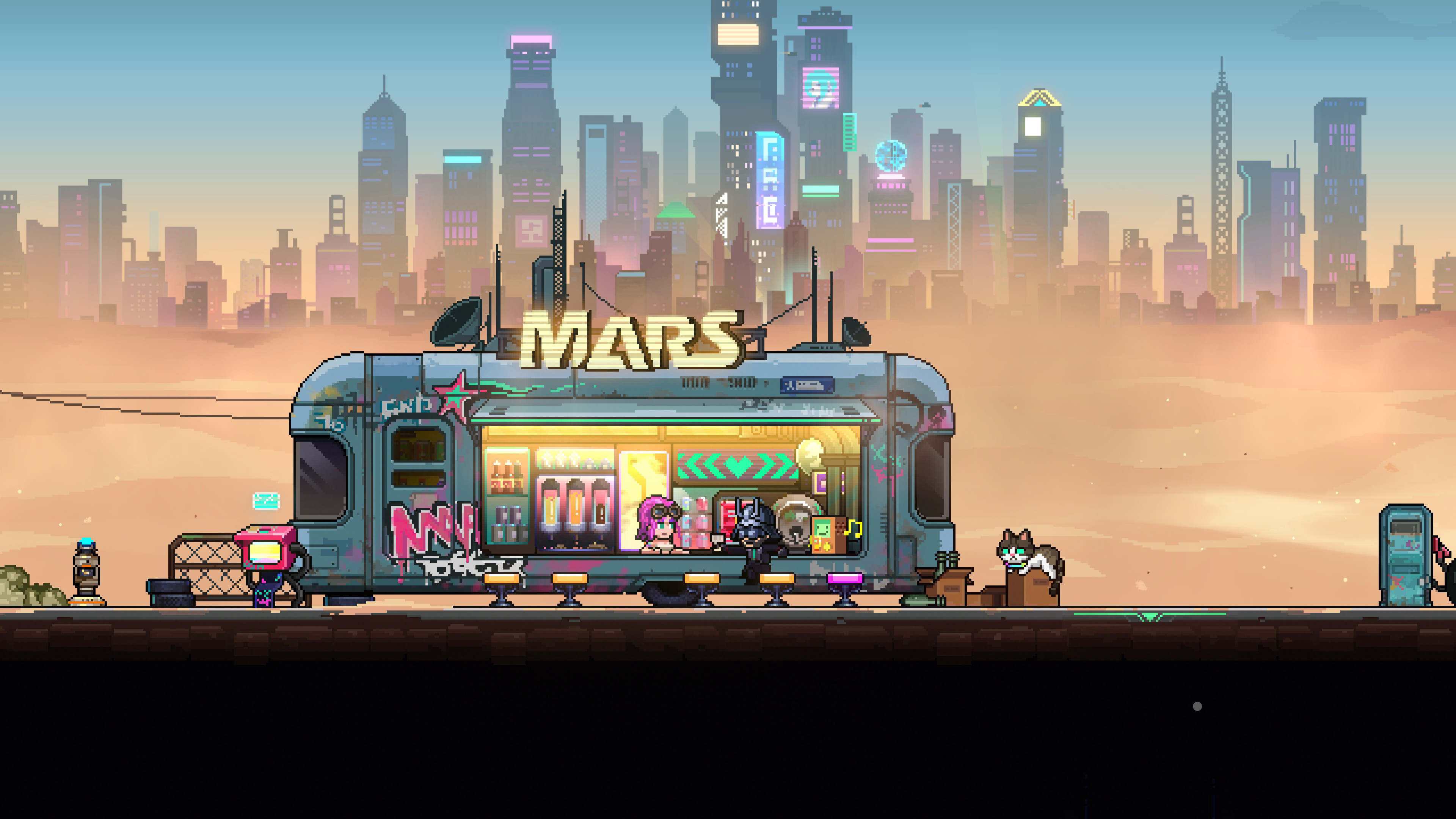
You form a group from the in-game multiplayer menu, either by inviting friends directly or by joining their session. The bar hub acts as the social space where grouped players gather before diving into a run — and after one, since 1.0 fixed several issues around returning to the bar between co-op sessions. The 1.0 patch also improved invite waiting and failure feedback, so if an invite doesn't land, you'll now get clearer signals about why.
One important note for mixed-region groups: the developers have stated that chat content sent from mainland China is only visible to players in the mainland region — overseas players can't read it. If you're playing with friends abroad, you'll need to communicate through emotes or a third-party voice chat.
Before your first group run, agree on two things: the difficulty setting and who is hosting. The host's connection determines the session's stability, and 1.0's fixes mean a host disconnect now shows up honestly instead of leaving clients in a ghost lobby. It's also worth deciding in advance whether the group will chase faith rooms together or split looser loot rules — small agreements like these prevent most co-op arguments before they start.
Platform Restrictions: Crossplay and No Split-Screen
This is where expectations need managing. There is no full crossplay in Neon Abyss 2. The developers confirmed in the Steam forums: "We don't have crossplay... The only slight crossplay would be PC (Game Pass) to Xbox due to the shared ecosystem."
In practice that means:
- PC Game Pass ↔ Xbox Series X|S: works, because both live in the shared Xbox ecosystem.
- Steam ↔ any other platform: not possible at launch. Steam players can only team up with other Steam players.
- PS5 and Switch: limited to players on their own platform.
Since the game joined Xbox Game Pass on the October 8, 2026 launch day, the PC Game Pass path is the cheapest way into a cross-ecosystem group. Wider crossplay plans, if any, are to be confirmed — nothing in the official 1.0 announcement promises it.
Couch co-op is the other big expectation to manage: there is no local split-screen at 1.0. The developers answered the question directly in the Steam forums: "We're not adding Split Screen at 1.0. We do hope to still be able to bring this to the game, but we can't promise 100%." So as of the 1.0 release, local co-op and split-screen are not available — everyone needs their own copy and their own screen.
The developers have left the door open for the future, but treat it as a maybe, not a roadmap item. If couch co-op is your only way to play, this is the one fact that should decide whether you buy now or wait.
Co-op Difficulty: What Groups Report
Community feedback on co-op difficulty has been consistent since Early Access: groups report that Normal feels too easy for coordinated teams, while Hard is the appropriate challenge for a full squad of experienced players. The game asks you to confirm the difficulty before starting a run, so make sure your group agrees on the setting before that popup — don't click through it.
Individual skill matters less in co-op than run coordination: agree on who takes which upgrades, and remember that explosions and friendly fire can kill Hatchmons, which matters more when four players are filling the screen. Speaking of which — the game's known visual chaos is amplified in multiplayer. One reviewer noted that even in single-player, "it's extremely hard to keep track of enemy projectiles and where you are on the screen"; expect that in 4-player runs.
What 1.0 Fixed for Co-op Players
The 1.0 patch carried one of the longest multiplayer fix lists the game has had. Highlights: settlement cards no longer go missing when players leave mid-run; the "ghost online" bug where a disconnected host still appeared live was fixed; personal saves are now properly isolated from multiplayer progress, ending cases where online runs corrupted solo saves; melee animations and paper-gun ammo no longer desync; coin pickups attribute correctly; and cross-room mines no longer misfire. Hosts leaving a PC session now notify teammates properly.
Quick Answers for Co-op Players
Can I play with a friend on Steam if I'm on Xbox Game Pass? Only if you're on PC Game Pass — that shares the Xbox ecosystem. A Steam copy cannot connect to Xbox, PS5 or Switch players at all right now.
Do all four players need to own the game? Yes. There's no free-host model, though PC Game Pass subscribers effectively have the game through their subscription, which is the cheapest entry point for a cross-ecosystem group.
Does co-op progress carry over to my solo save? The 1.0 patch specifically isolated personal saves from multiplayer progress, fixing cases where online runs bled into personal saves. Client-side purchases and Fate records were also corrected.
Is there voice chat in the game? The developers have not advertised a built-in voice chat; mainland China chat messages are region-gated, so mixed groups should plan on external voice tools. Anything beyond that is to be confirmed.
If you tried co-op during Early Access and bounced off connection or sync bugs, 1.0 is a meaningfully different experience. Remaining known quirks are to be confirmed as the community plays more of the full release.
Related Guides
- Neon Abyss 2 Tips: Faith Tiers & Wonder Jars — mechanics that matter even more in a squad.
- Neon Abyss 2 1.0 Update — the full multiplayer fix list in context.
- Neon Abyss 2 Beginner Guide — new to the game? Start here.